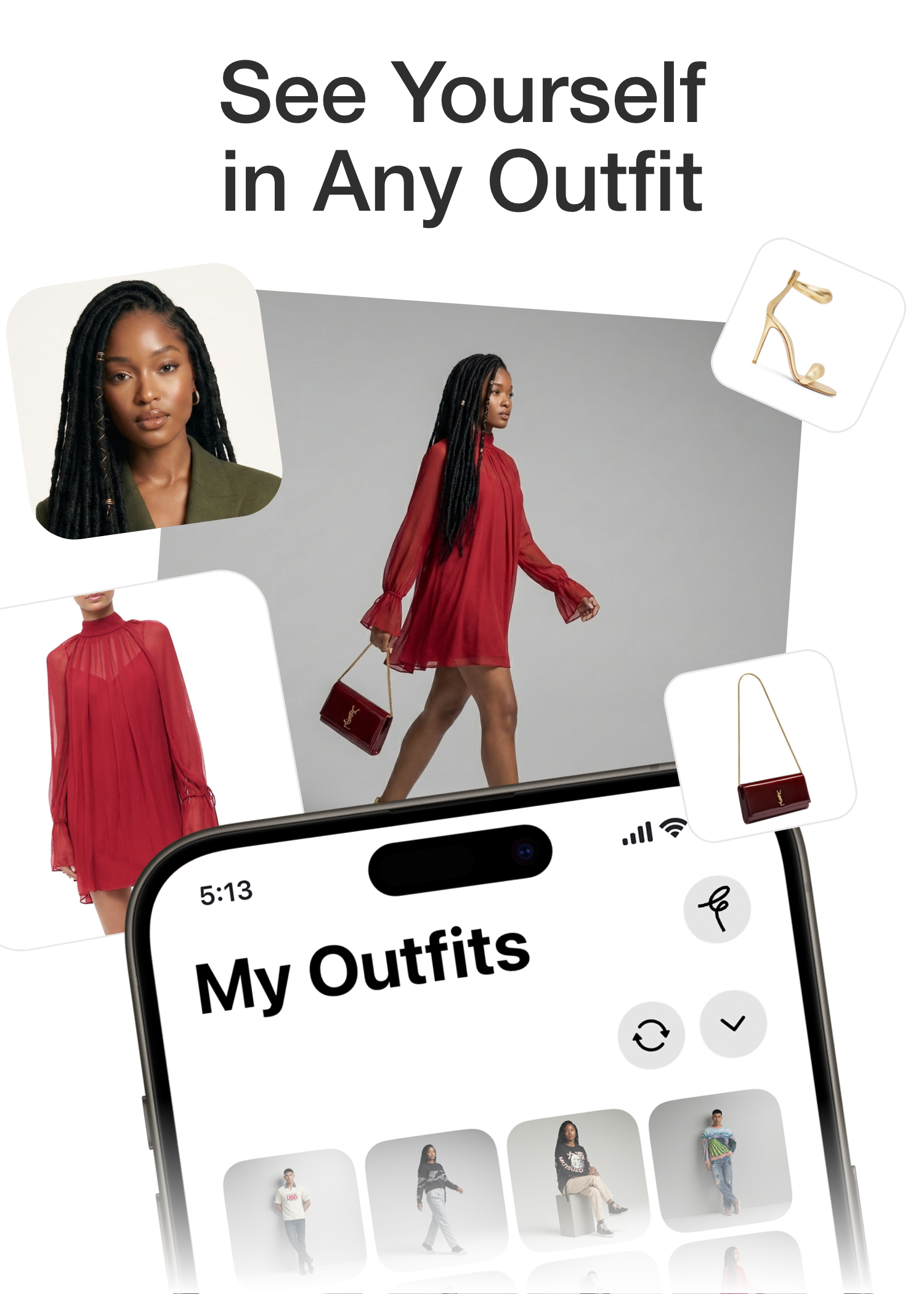
Video / Motion
Fitted AI Video Series
AI-generated outfit swap videos built frame by frame with a custom Python pipeline, After Effects compositing, and a 146-item digital closet.
Video / Motion
AI-generated outfit swap videos built frame by frame with a custom Python pipeline, After Effects compositing, and a 146-item digital closet.
A series of social video ads for the Fitted AI app where a person rapidly cycles through dozens of AI-generated outfits in a single continuous take. Each clothing change lands with an audible shutter click. The outfits swap faster and faster until they snap back to the final look.
Nothing like this existed as a standard workflow. I built a custom Python pipeline that split the original footage into individual frames, ran each through an AI image generation API to swap one clothing item at a time, then reassembled the frames into video. The script alternated between swapping tops and bottoms every six to eight frames so the viewer can register each outfit before the next change hits. Each video run processed hundreds of frames and cost between fifteen and thirty-five dollars in API credits.
The raw AI output had a problem: jitter. Subtle frame-to-frame variations in the face, hair, and background that read as artificial at playback speed. I solved this in After Effects with an eight-layer compositing setup. Masks isolated the face and hair to use the original footage while only the clothing regions showed AI output. Film grain, sharpening, and lens effects bridged the gap between AI-generated and camera-original footage. Final assembly in Premiere added music, timed shutter click sound effects, and the Fitted AI logo. Read the full case study for a deeper look at the pipeline, the compositing process, and the finished videos.
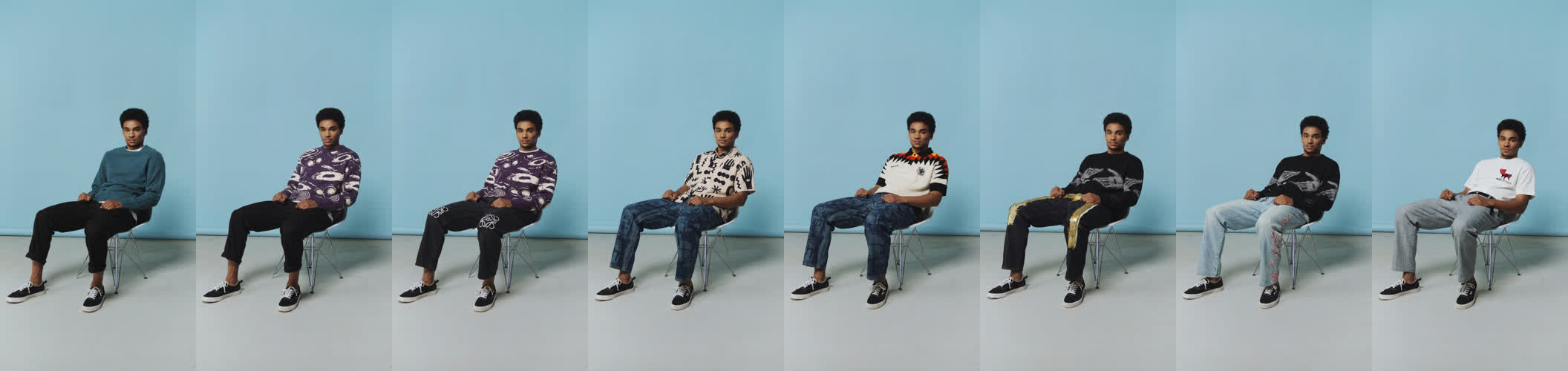
Frames sampled across the AI-generated sequence. The pipeline swaps one item at a time, alternating tops and bottoms to create a perceptible rhythm of change.
Python script that splits video into frames, runs each through AI generation with frame chaining, upscales, and reassembles.
Full-image AI swaps overlaid on original footage with hand-drawn masks isolating face, hair, and background to eliminate jitter.
Tops and bottoms photographed, auto-categorized by vision models, and fed into the generation pipeline.
Each run processed hundreds of frames over several hours of API calls and post-processing.
Want the full story?
Read Case Study →