macOS
Nodebook
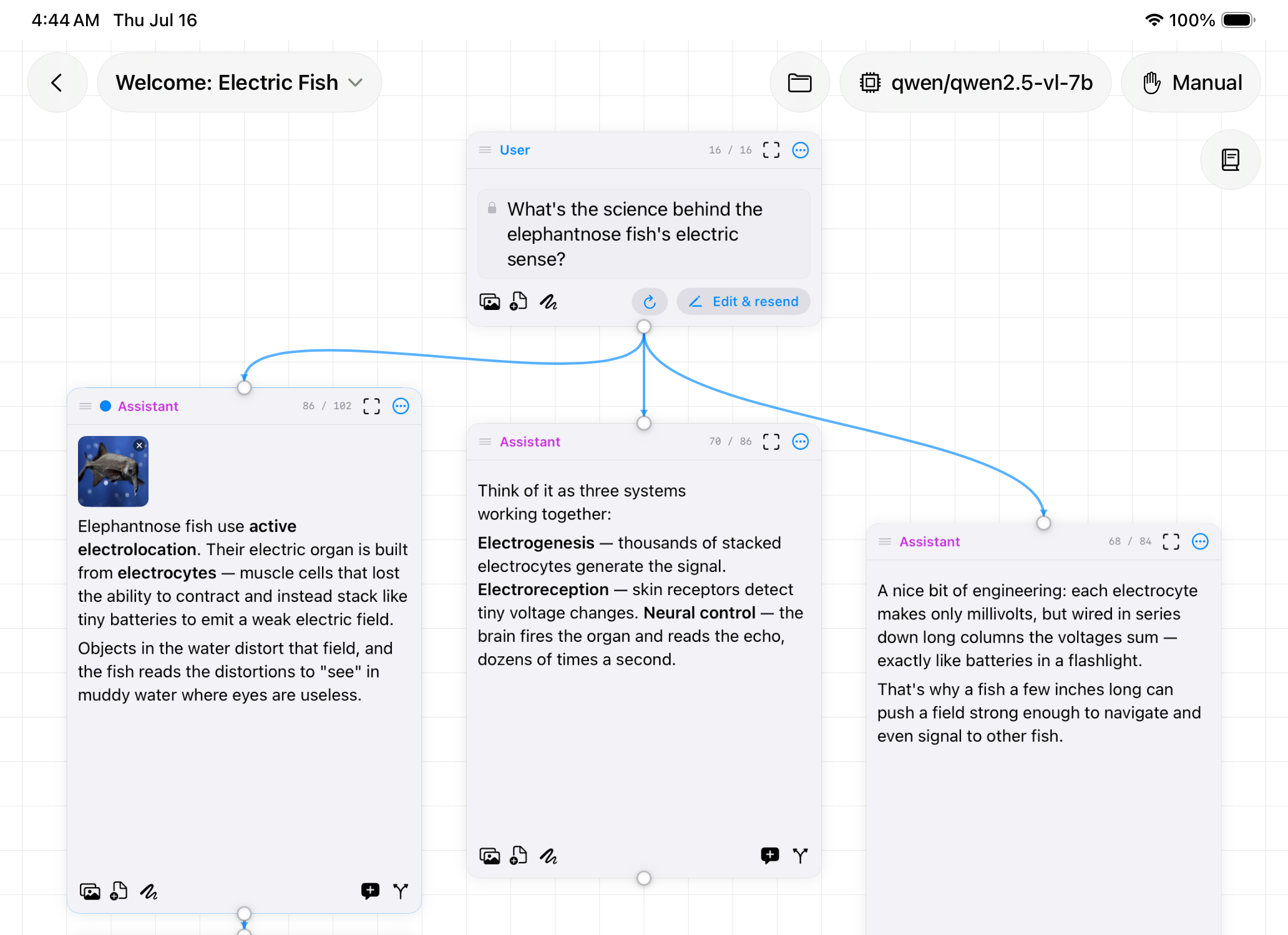
AI chat on an infinite canvas. Branch a conversation instead of losing it.
Requirements
What it does
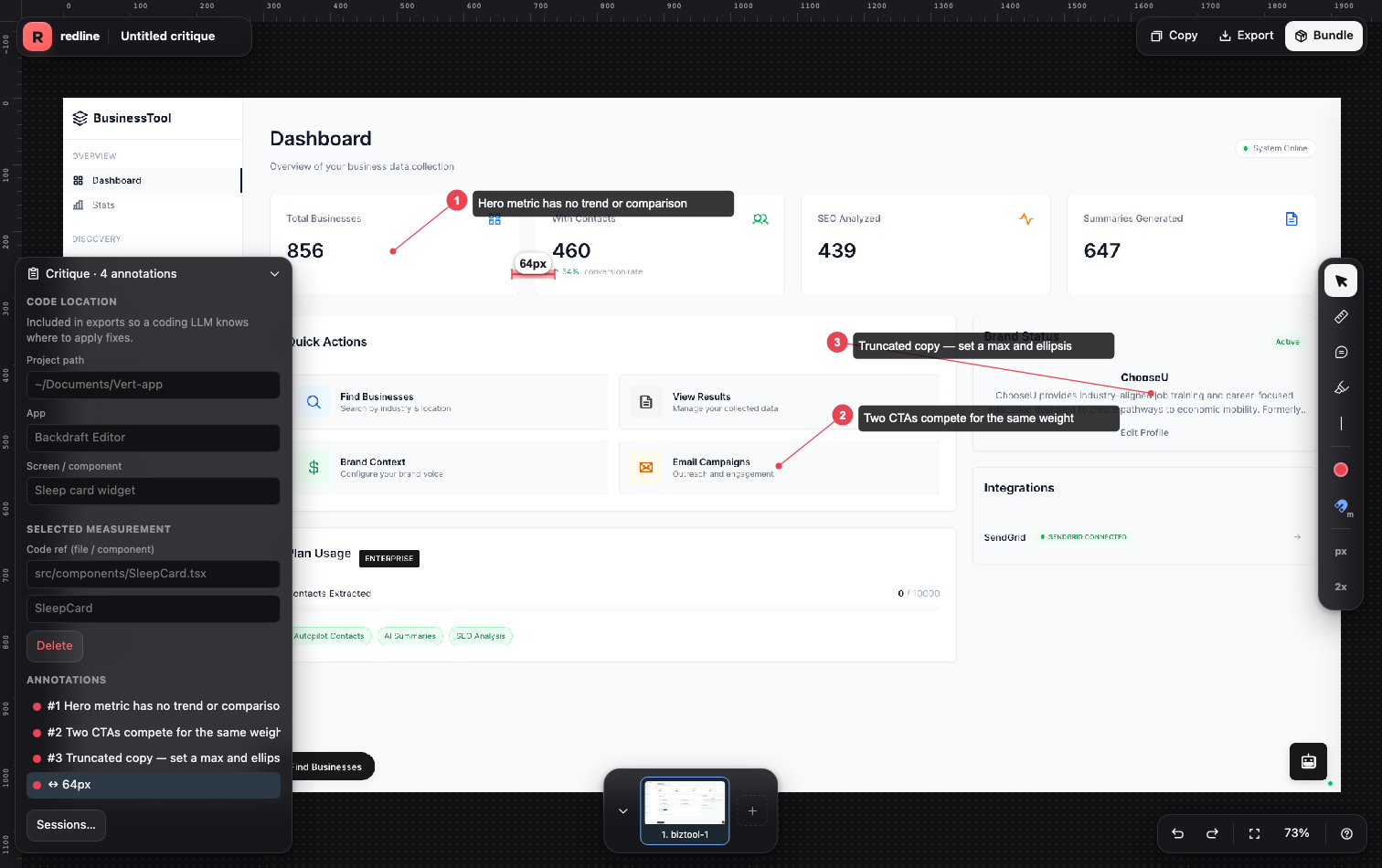
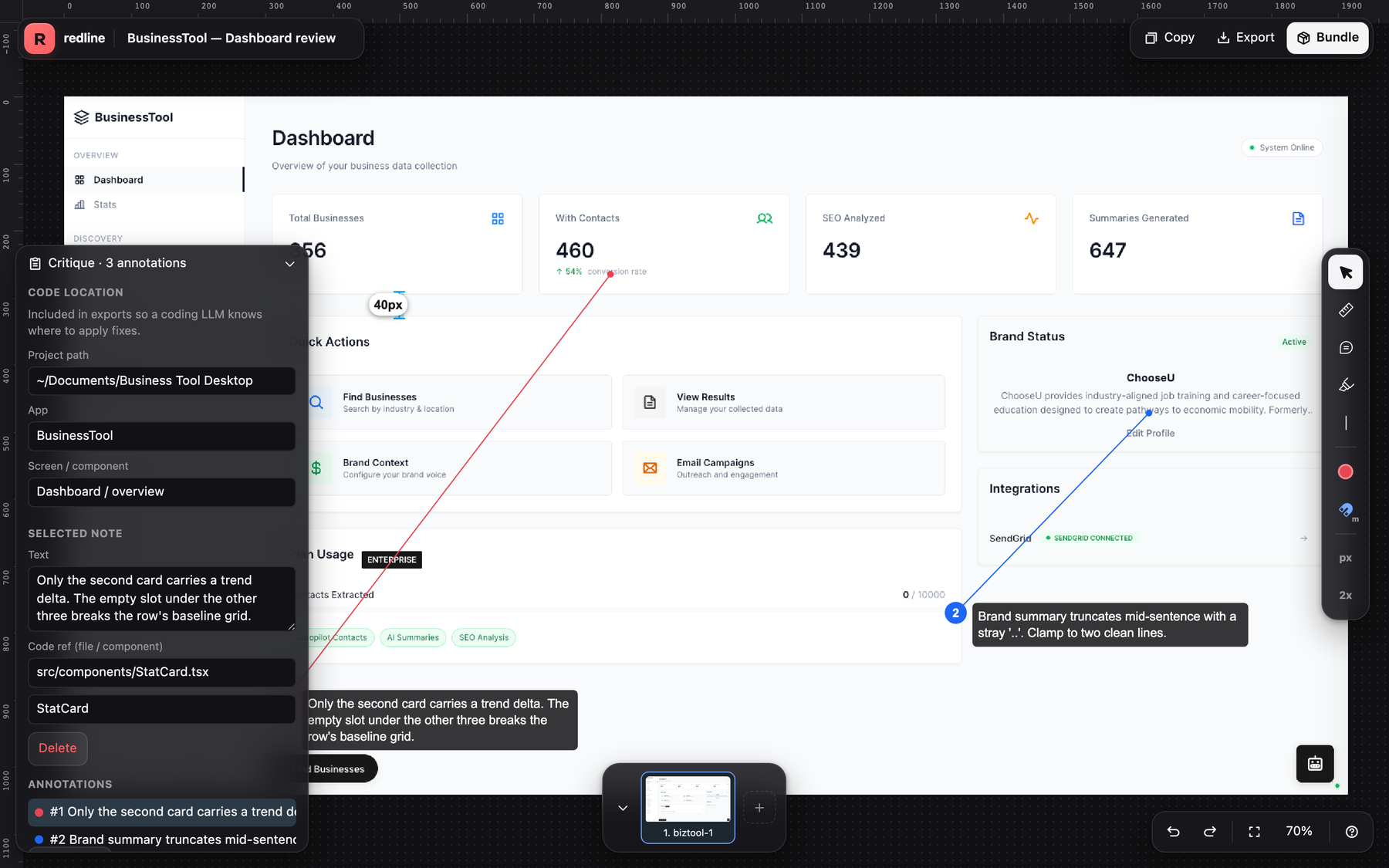
Drop leader-line notes that point at the exact pixel you mean.
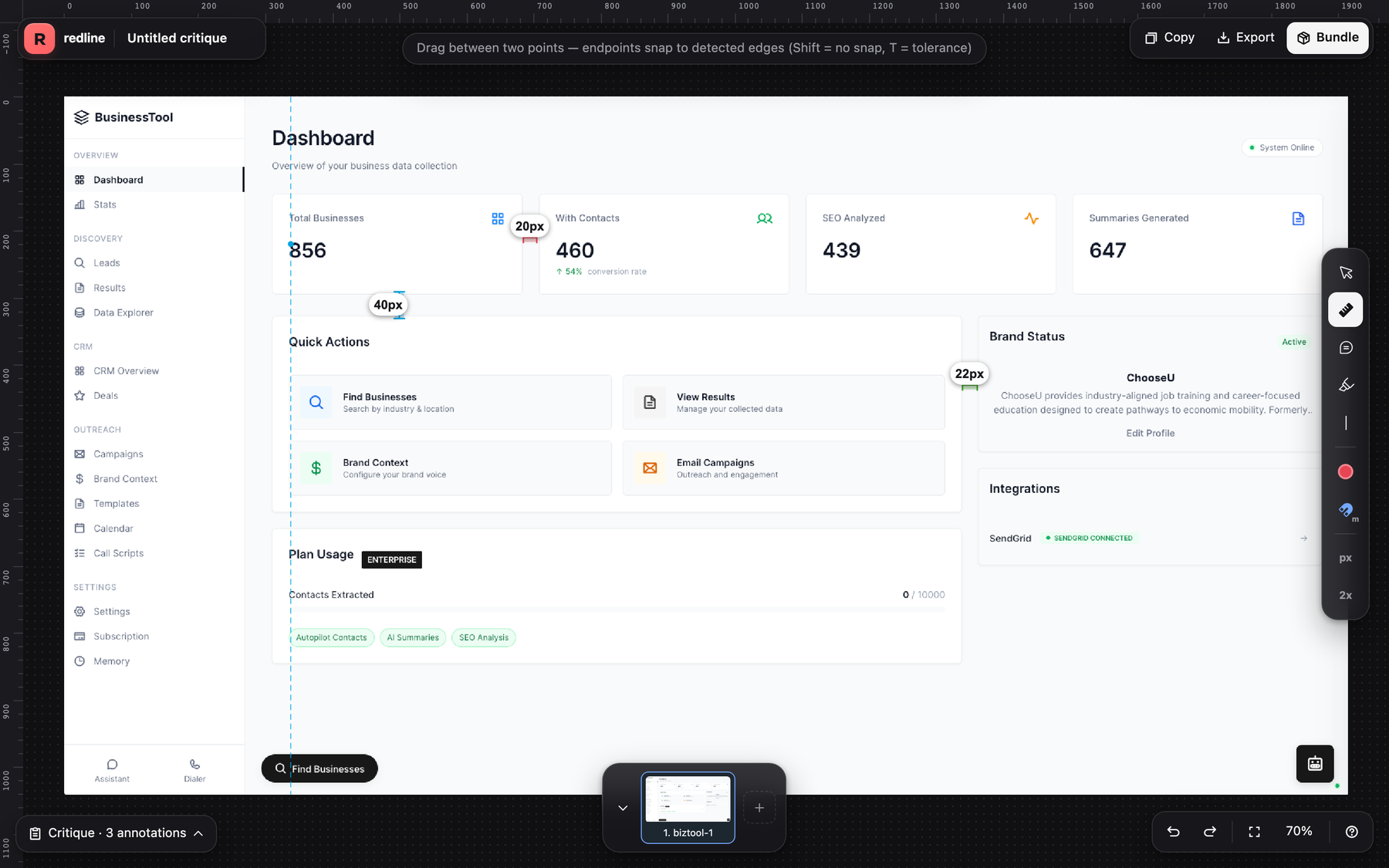
Pixel distances that snap to real edges detected in the image.
Pull guides off the rulers and mark edges to check alignment.
Export a zip with the annotated PNG, a markdown writeup, and JSON a coding agent can read.
Tag each note with the file and component so fixes land in the right place.
Critique several screens at once; each becomes its own page in the bundle.
Overview
Drop in a screenshot. Drag guides off the rulers, drop numbered notes, and measure distances that snap to real edges in the image.
Then export a critique bundle: a zip holding the annotated PNG, a markdown writeup, and a JSON file. Hand that folder to a coding agent and it knows which note maps to which pixel, and where in your project the fix belongs.
Requirements
Redline runs entirely in your browser. No model, no server, no account, no upload. Your screenshots never leave the tab.
More from the store