Case Study
Z-Image Studio
A local image studio you can host yourself, and reach from anywhere
Case Study
A local image studio you can host yourself, and reach from anywhere
The idea
I use a lot of image models, and I kept bumping into the same walls with the cloud ones: usage caps, per-image cost, and the quiet fact that every prompt and every result is sitting on someone else's server. I had the hardware to do this myself. Apple Silicon is genuinely fast at diffusion. So I built the thing I actually wanted, a full image studio I host on my own Mac.
Generate with Z-Image, keep every prompt, upscale the good ones, and never send a byte to the cloud. Nano Banana at home.
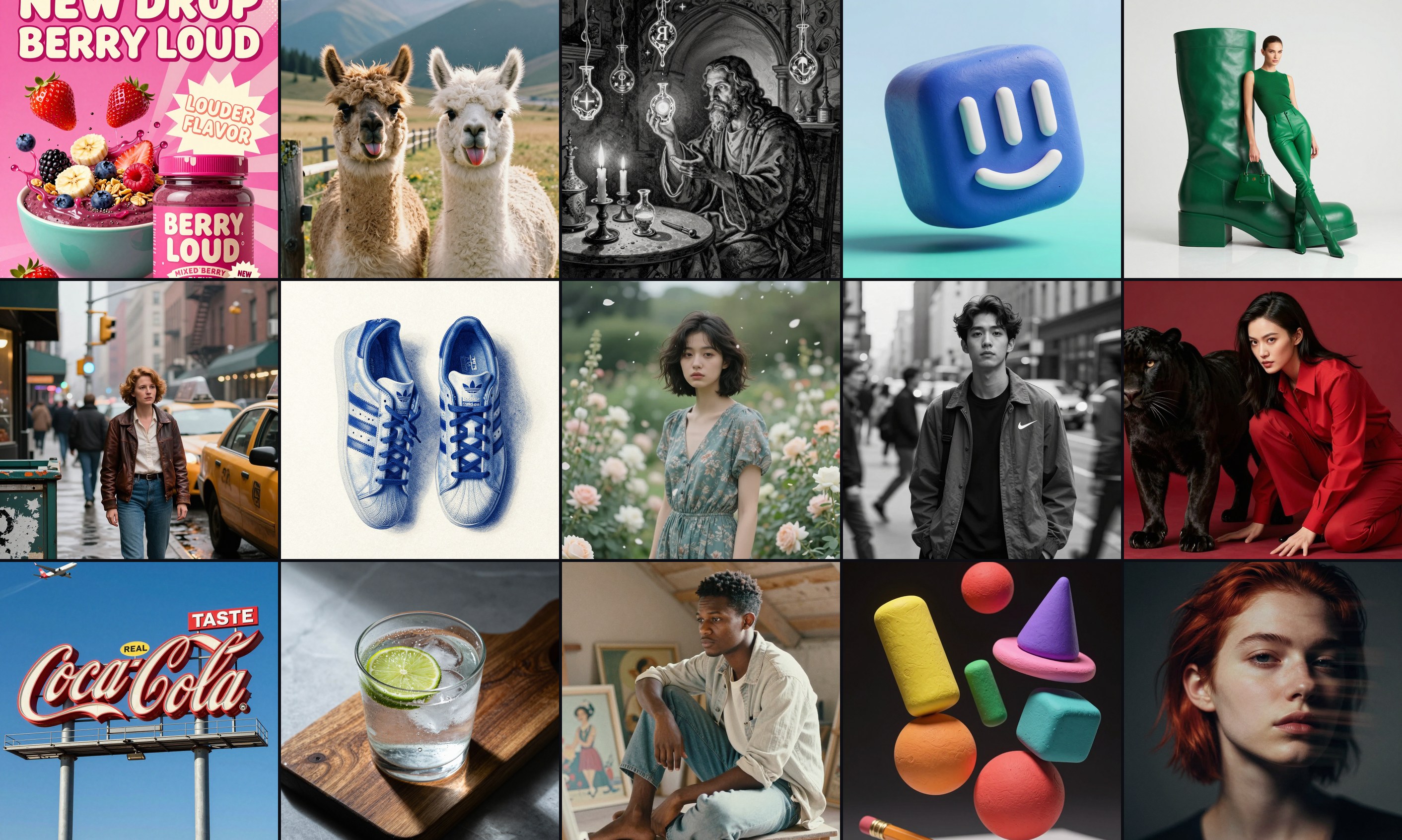
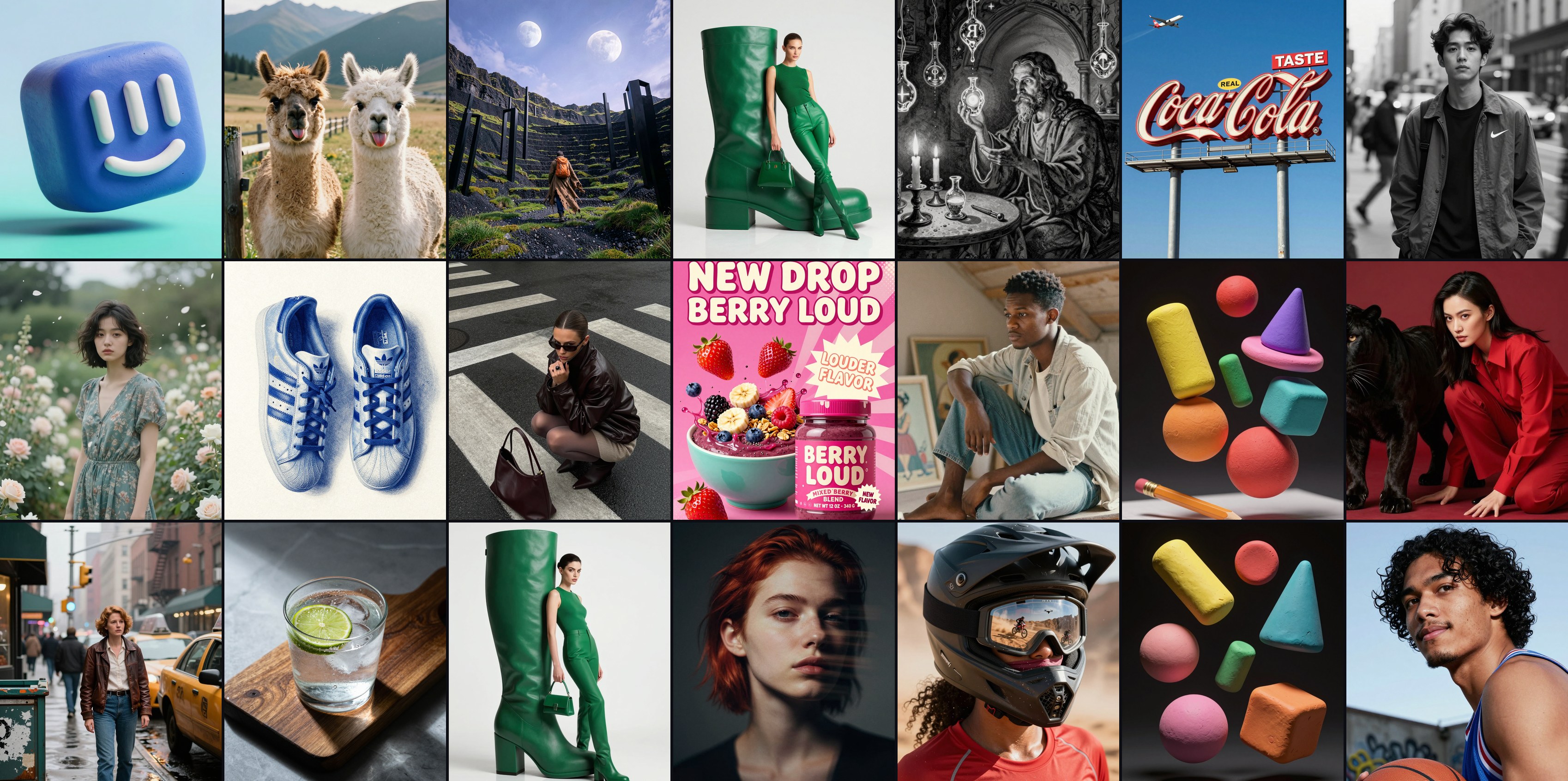
Some of what can expect from Z-Image Turbo. Portraits, motion, abstract 3D, product and architectural work, all generated locally on Apple Silicon.
The experiment
Z-Image Turbo dropped with a reputation for limited output style, and repeatitive personas (the second part wasnt far off). I wanted to see if that held up, so the studio started as a testbed. Every guide says the same thing: keep your prompts short and simple. I did the opposite.
I wrote long, hyper-detailed prompts. Composition, lighting, lens, materials, the exact text on a sign, the mood, all spelled out. Instead of falling apart, Z-Image Turbo held together. It rendered clean, readable text on posters and billboards, kept compositions coherent, and produced images that genuinely read as photographs. The 'limited' model was mostly a prompting problem.
The method
As a benchmark, I used other people's best work. When Nano Banana launched, people started sharing some creative and detailed results, I set out to see whether a local model could match them. A Coca-Cola billboard. An Adidas skateboarder mid-kickflip. Street photography with Nike. The reflection in a cyclist's Oakley visor, a dirt bike, the basketball players from Nano Banana's own launch page.
Sometimes I had the original prompt, sometimes just the raw image. Either way I fed the reference to my local vision models and had them extract every detail into a fresh, exhaustive prompt, then handed that to Z-Image Turbo. Reference in, detailed prompt out, local generation to match. It kept clearing the bar.
The hard part
The obvious build is one Docker container. That falls apart fast on a Mac, because Apple's Metal GPU backend isn't available inside Docker. Run the models in the container and they fall back to the CPU, roughly a hundred times slower.
So the studio is two processes. A small native service runs the models directly on Metal and exposes a tiny HTTP API. The web app runs in Docker and talks to that engine over the host bridge. The container handles the interface, the gallery, and the job queue. The native service does the actual generating. It's a little more to set up, but it's the only way to get real GPU speed on a Mac.
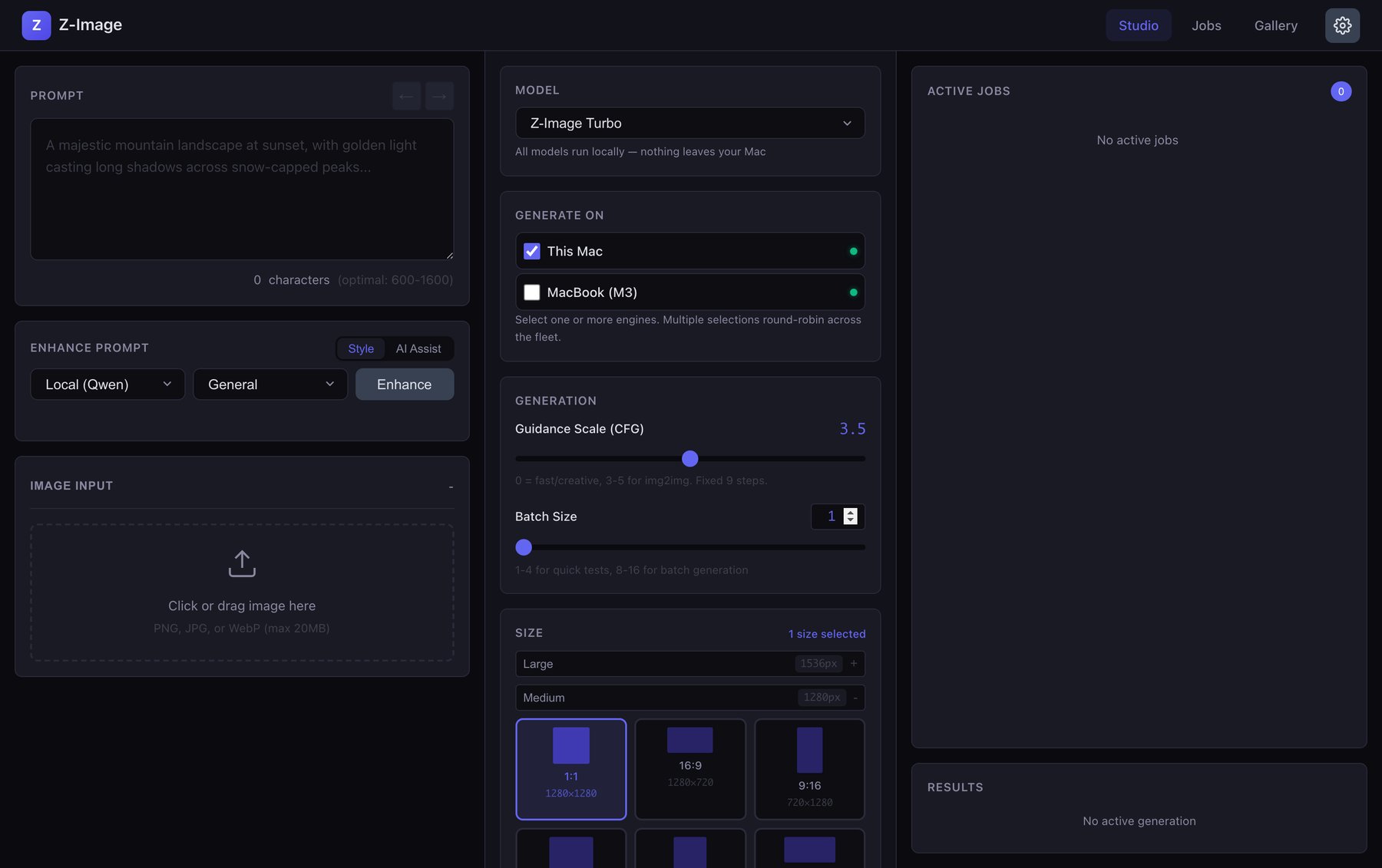
The studio. Prompt and local LLM enhancement on the left, model and device selection in the middle, live jobs on the right.
Access Anywhere
Once the studio runs as a web app, reaching it from anywhere is almost free. I put my Mac and my phone on the same Tailscale network and now I can open the studio in mobile Safari from wherever I am. My desktop keeps generating at home, I drive it from the couch, and no ports are ever exposed to the public internet.
That one decision, treating it as a hosted app instead of a desktop program, is what makes it feel less like a script and more like a product I actually reach for.
Fleet generation
Big batches slow down whatever machine you're working on. I have my M3 MacBook sitting next to my Mac Studio, so I wired the studio to hand generation off to the engine running on another Mac over the network. Register a device by its Tailscale address, and jobs route there instead. Add a few and it round-robins across the whole fleet plus your local machine.
The studio POSTs the prompt to the remote engine, waits, and pulls the finished image back over HTTP. No shared folders, no syncing. My desktop stays responsive while the MacBook quietly does the work.
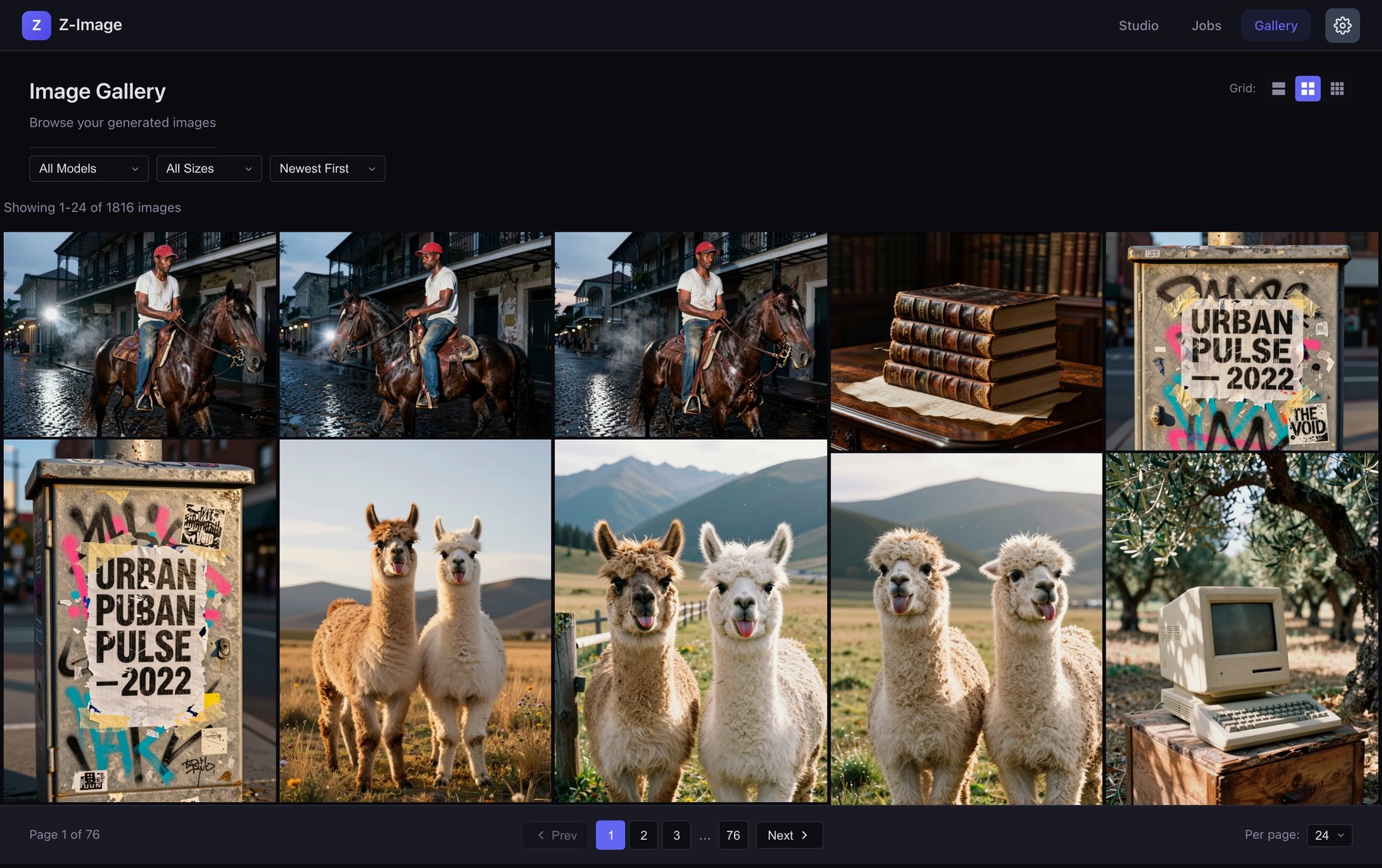
Every generation lands in the gallery, indexed in SQLite, with its prompt attached. Filter, sort favorites first, and rate the keepers.
Keeping track
Anyone who generates images seriously knows the real asset is the prompt. Lose it and you can't get back to a look you nailed a week ago. So every image is saved to a searchable gallery with the exact prompt that made it, the model, the seed, and the settings. Find a result you like and you can read back precisely how you got there, then rerun or remix it.
The whole thing is open source. Clone it, point it at your own hardware, and it's yours.
The gallery
Some of my favorites straight from the studio, at their natural aspect ratios. Click any image to view it full screen with the exact prompt that made it. Several are local replicas of images people made with Nano Banana, rebuilt from a reference and a detail-extracted prompt, then generated on Z-Image Turbo.
Next Case Study
Nodebook →