macOS
Nodebook
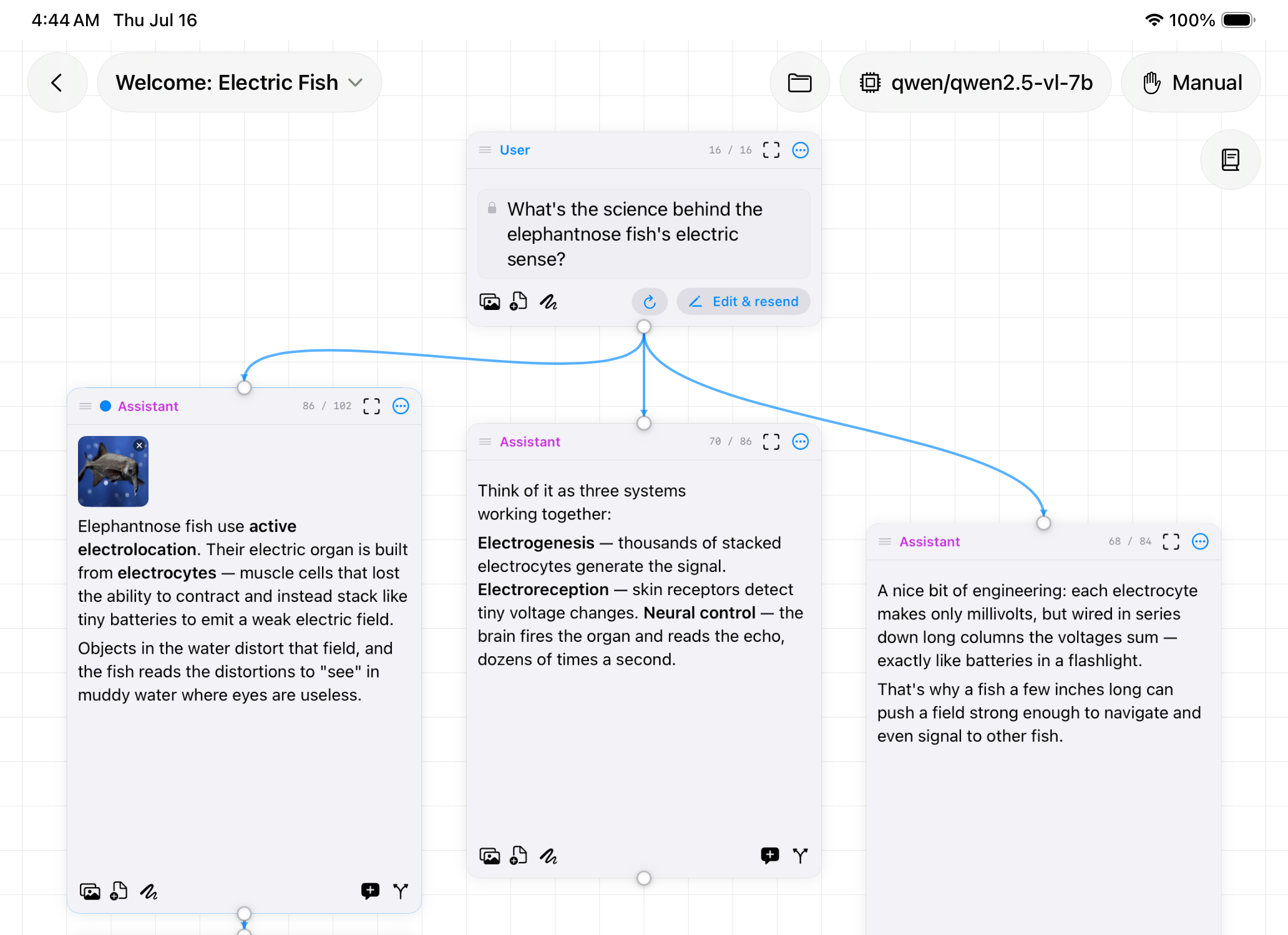
AI chat on an infinite canvas. Branch a conversation instead of losing it.

macOS
Nano Banana at home. Generate images locally, reach them from your phone.
Requirements
What it does
Turbo and Base models, text-to-image and img2img, running on your own Apple Silicon GPU.
Enlarge any result with Real-ESRGAN without sending it to a service.
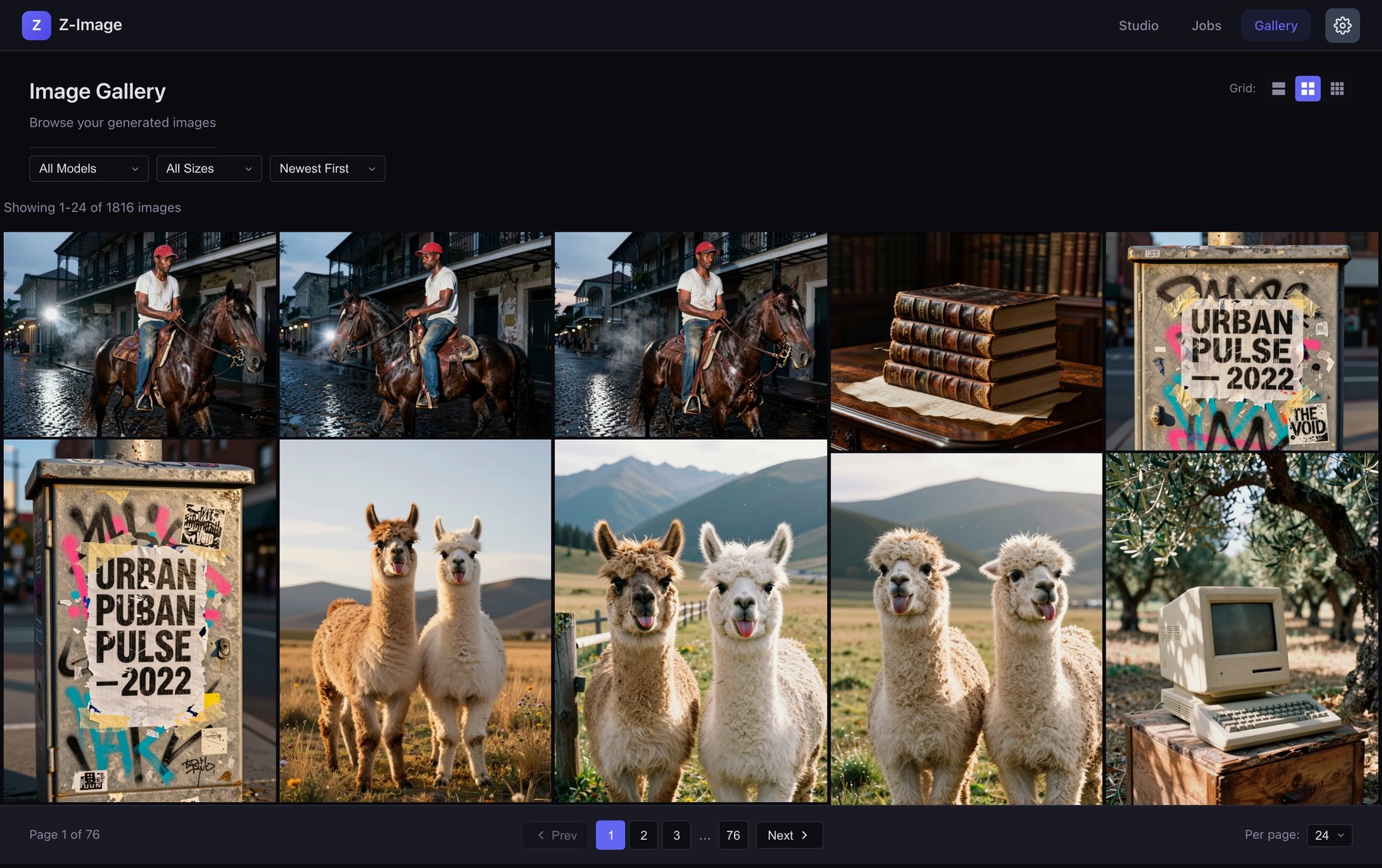
Every generation saved to a searchable gallery with the prompt that made it.
Offload to one or more Macs over Tailscale so your main machine stays free.
Overview
Z-Image Studio is a local image generator you host yourself. It runs the Z-Image models on Apple Silicon, keeps a searchable history of every prompt, and upscales results with Real-ESRGAN. Nothing gets uploaded, nothing is metered, and nothing leaves your machine.
The fun part: it's a normal web app, so once it's running at home you can drive it from your phone over Tailscale. Your Mac keeps generating while you're on the couch or out of the house. Cloud image tools without the cloud.

What it does
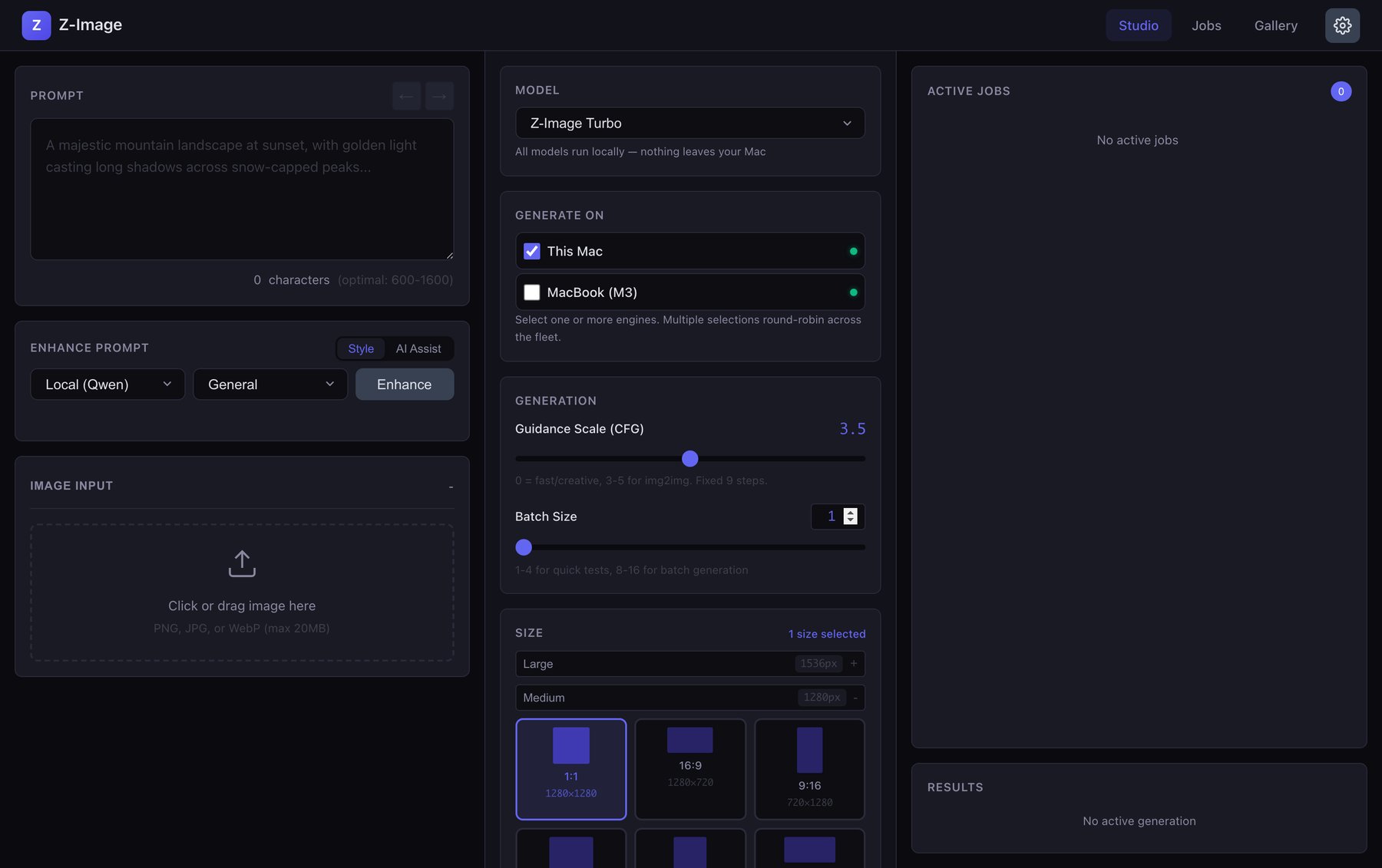
Pick Z-Image Turbo for speed or Z-Image Base when you want CFG and negative prompts. Start from scratch or drop in an image for img2img. When a result is worth keeping, upscale it with the built-in Real-ESRGAN model.
A local LLM rewrites and expands your prompts through LM Studio, so you can go from a rough idea to a detailed prompt without leaving the app. And because every generation is saved to a searchable gallery with its prompt attached, you can always find that one good result and the exact words that made it.
Fleet generation
Generating a lot at once can bog down your main machine. So Z-Image Studio lets you point it at the engine running on a second Apple Silicon Mac and send jobs there instead, reachable over your LAN or Tailscale. Add a few devices and it round-robins across them plus your local machine.
That's the 'Generate On' picker in the interface. Dedicate an old MacBook to image generation and your desktop stays responsive.
Setup
Z-Image Studio is two pieces: a Dockerized web app for the interface, and a small native service that runs the models on Apple's Metal GPU (Docker can't reach Metal on macOS, so the engine runs natively). You'll need an Apple Silicon Mac, Docker, and Python for the engine. The Z-Image and Real-ESRGAN models download from Hugging Face on first use.
LM Studio is optional, for local prompt enhancement. The full setup, including how to run a dedicated generation device over Tailscale, is in the repo.