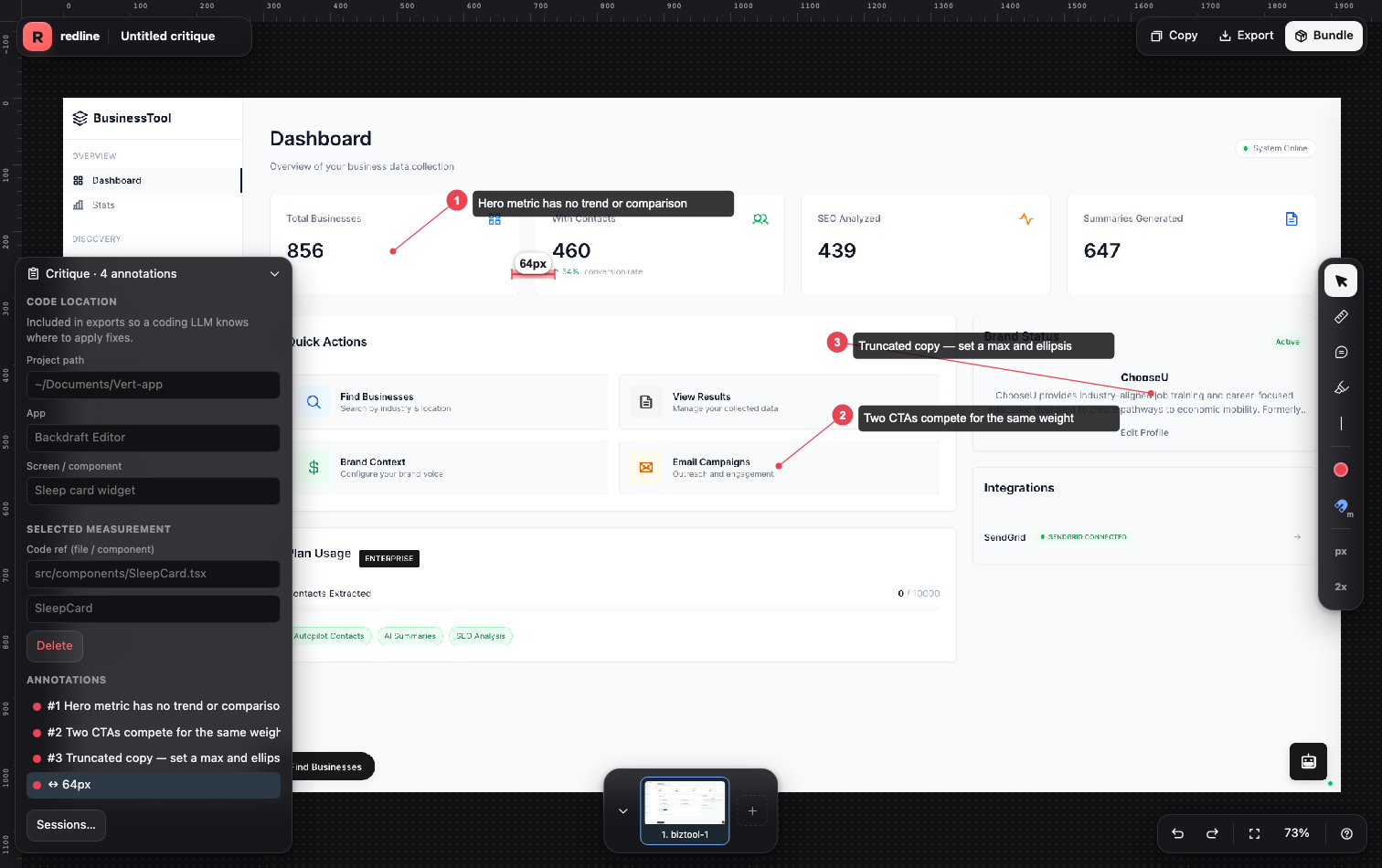
macOS
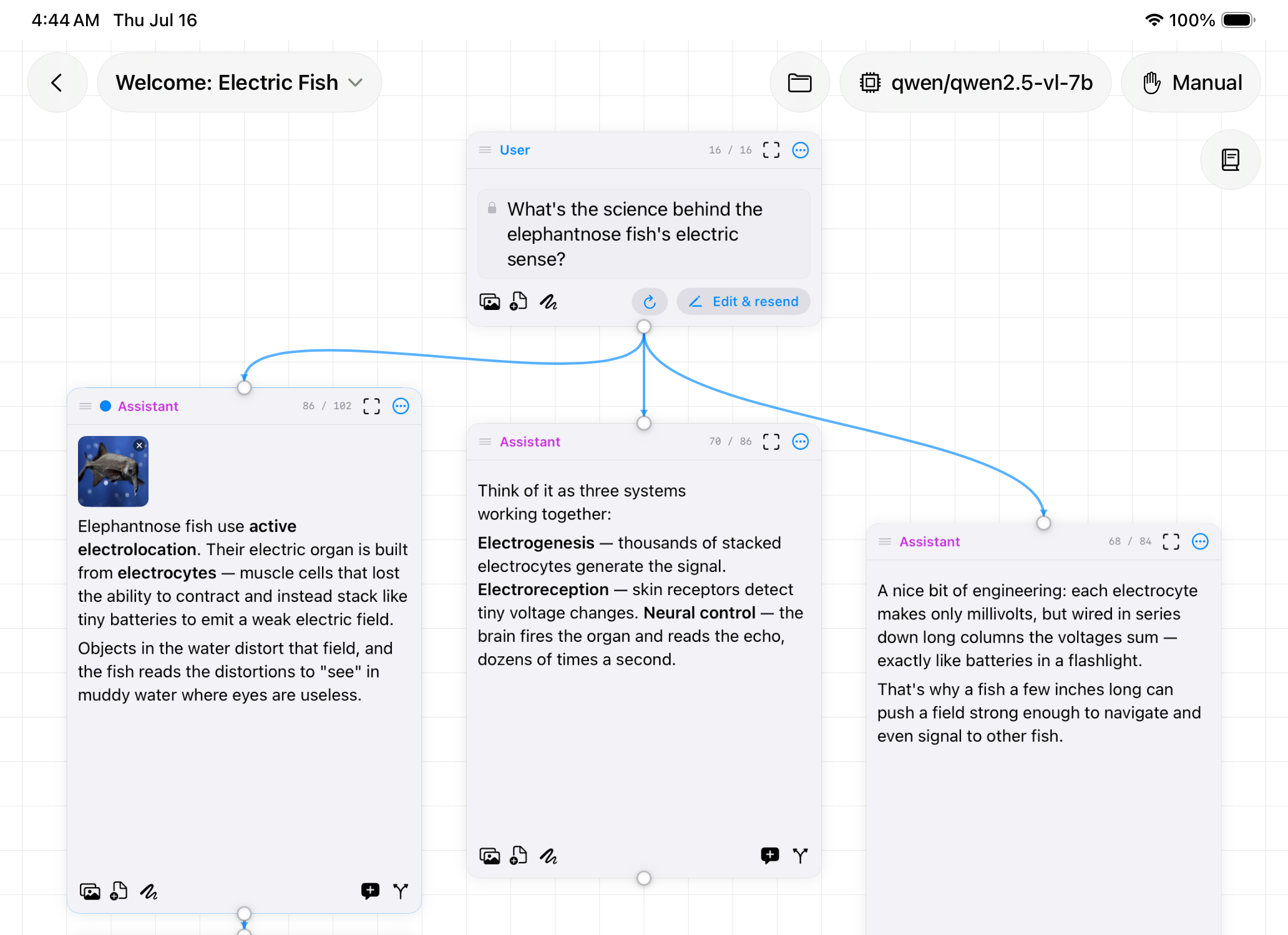
Nodebook
AI chat on an infinite canvas. Branch a conversation instead of losing it.
Web
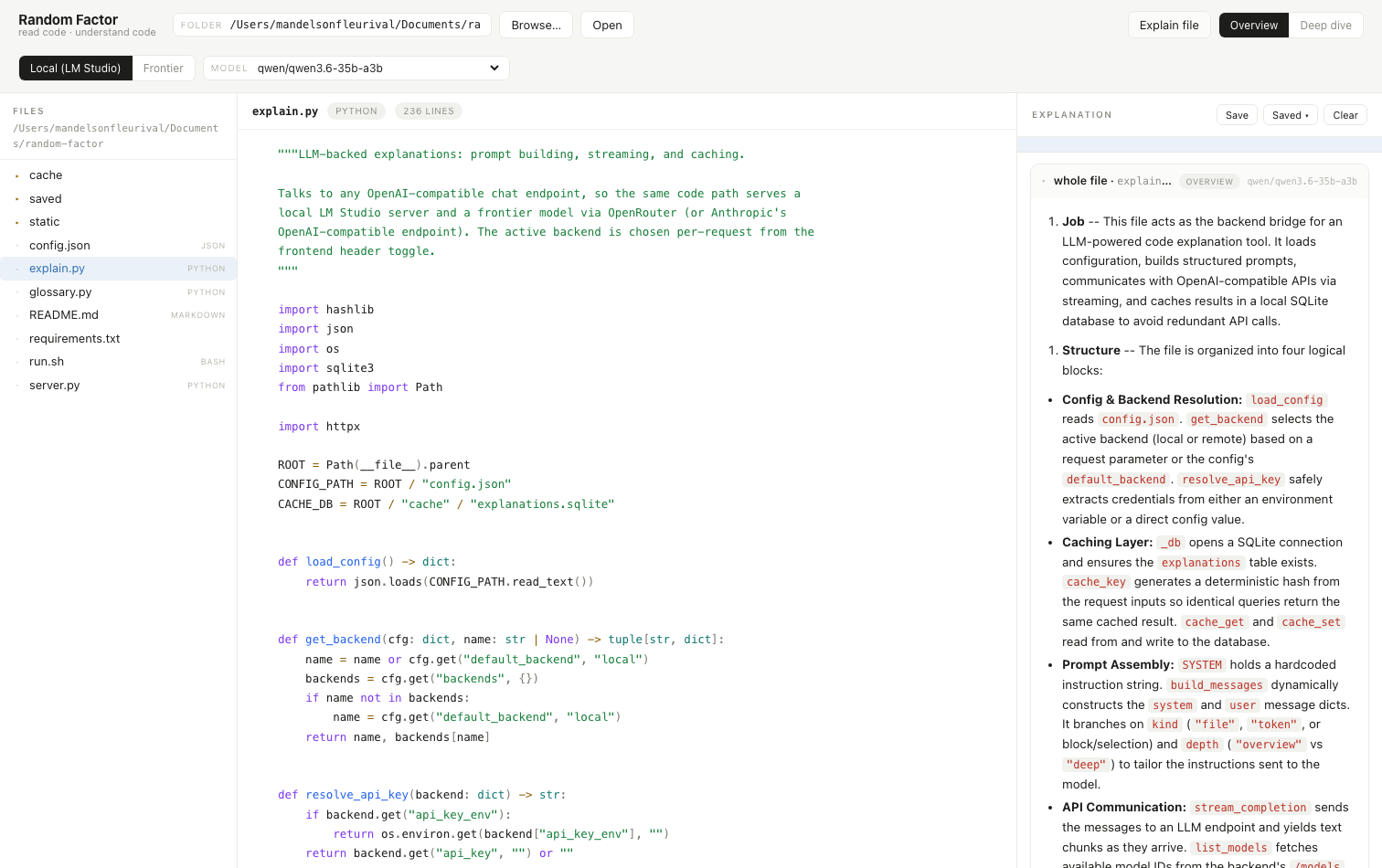
Reads code back to you. Hover a keyword, select a block, ask what it does.
Requirements
Install
git clone https://github.com/mfleurival/random-factor && cd random-factor && ./run.sh
Links
What it does
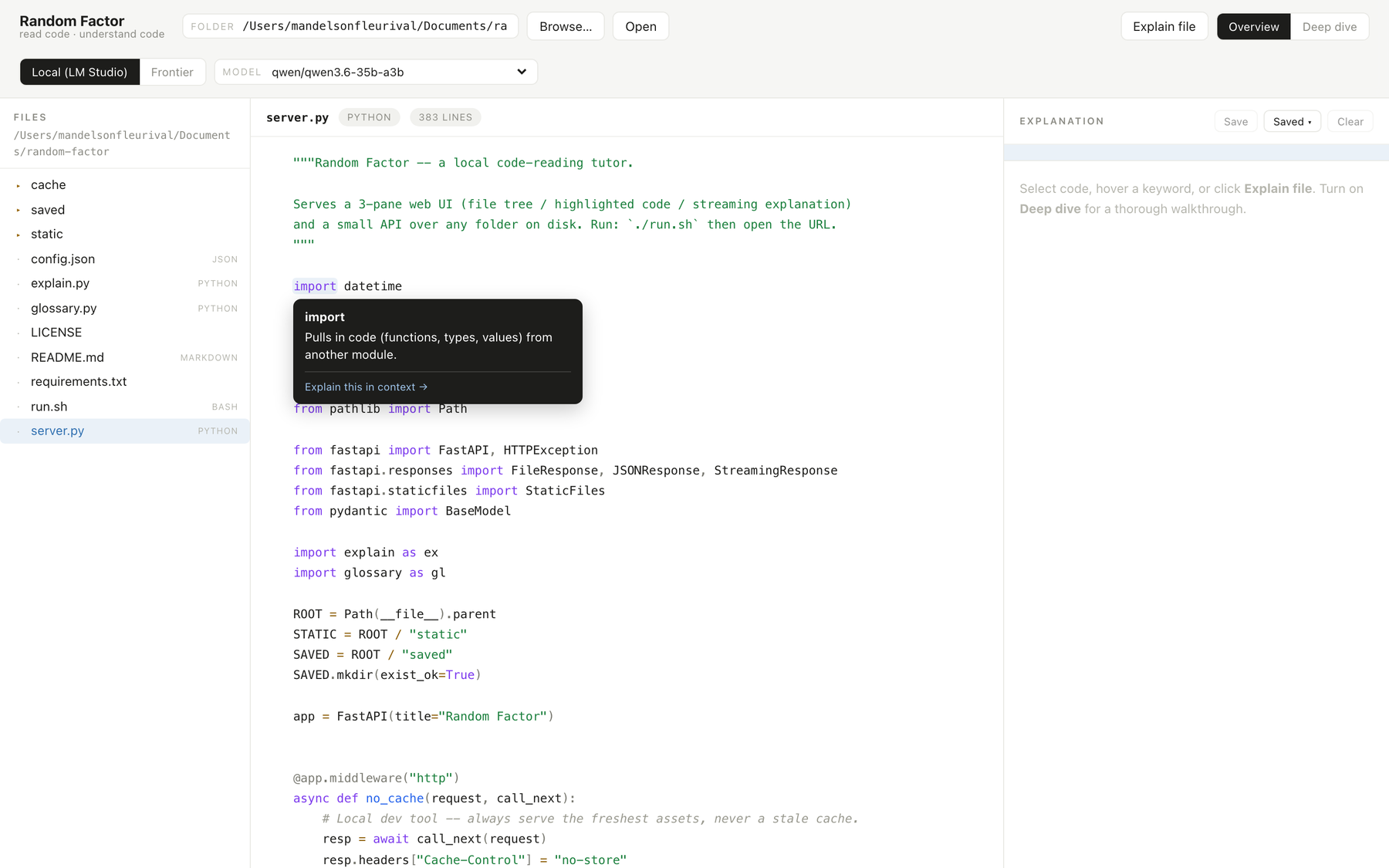
Hover any keyword or operator for an instant, offline definition.
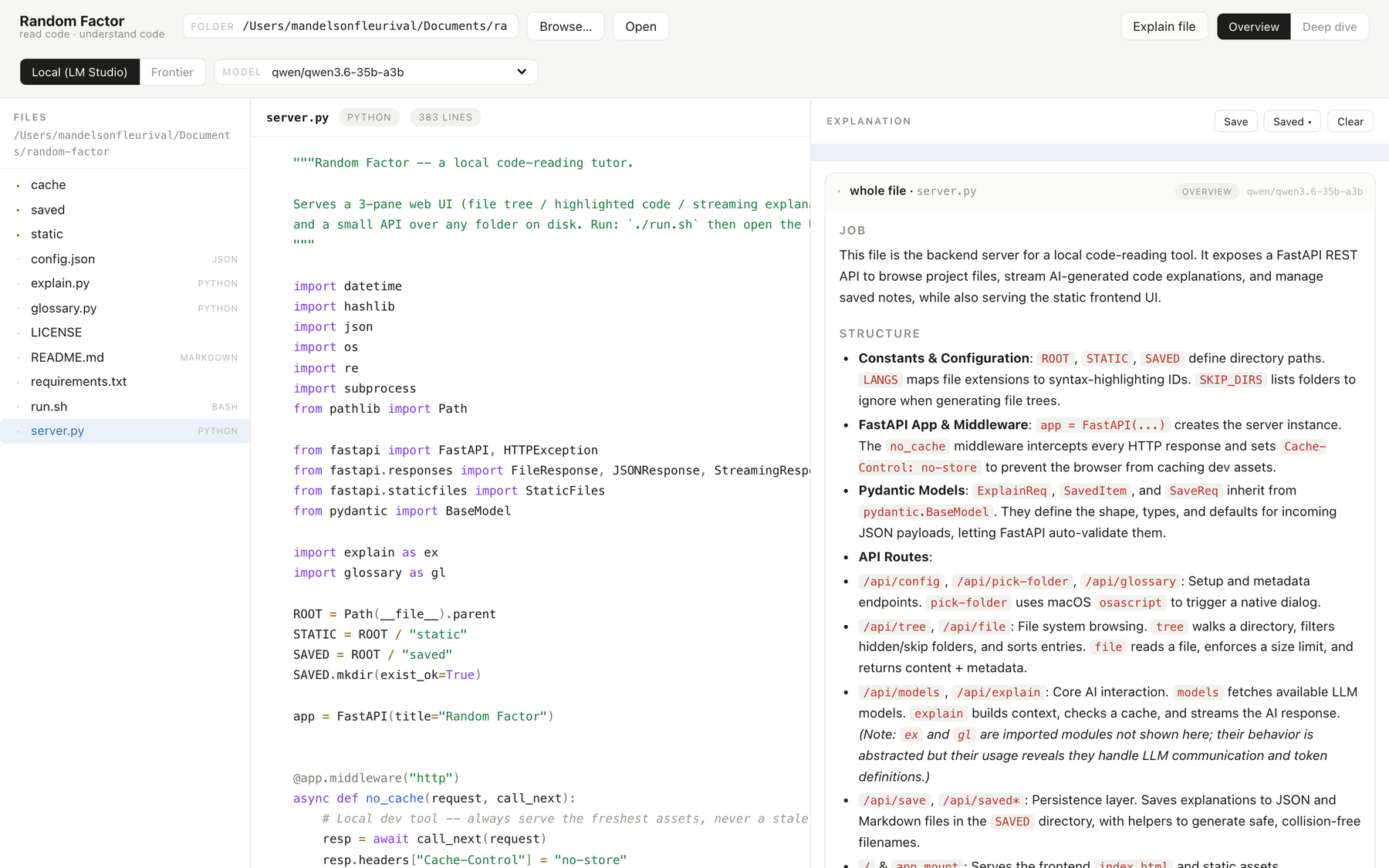
Select a block or a file and a local model explains it, grounded in the text on screen.
Toggle a quick summary or a section-by-section walkthrough.
Hover a code chip in an explanation to jump to that exact line in the source.
Explanations save outside the repo, so cloned projects stay clean.
Default to LM Studio, or switch to a frontier model for a second read.
Overview
Plenty of tools write code for you. This one helps you read it.
Point Random Factor at a project, yours or a repo you just cloned. Hover any keyword or operator and an offline glossary defines it instantly, no model call. Select a block or a whole file and a local model explains it, grounded in the actual text on screen. Hovering a code chip in an explanation scrolls the source to that exact line and highlights it.
Install
./run.sh builds a virtualenv on first run, starts the server on port 7788, and opens your browser. Explanations cache to SQLite, so re-reading a file is free.
Saved explanations land in the tool's own folder, never inside the repo you're reading, so cloned projects stay clean.