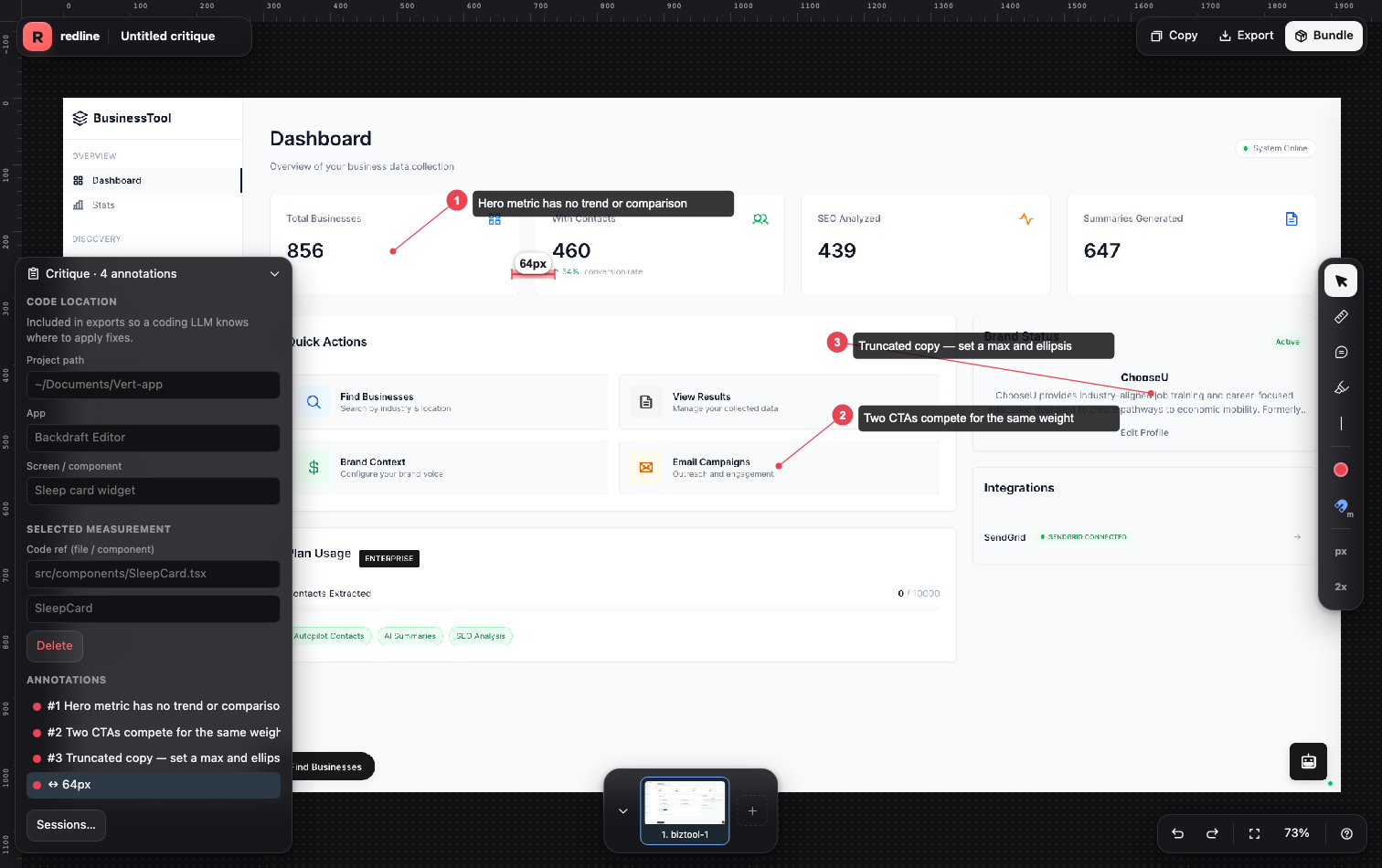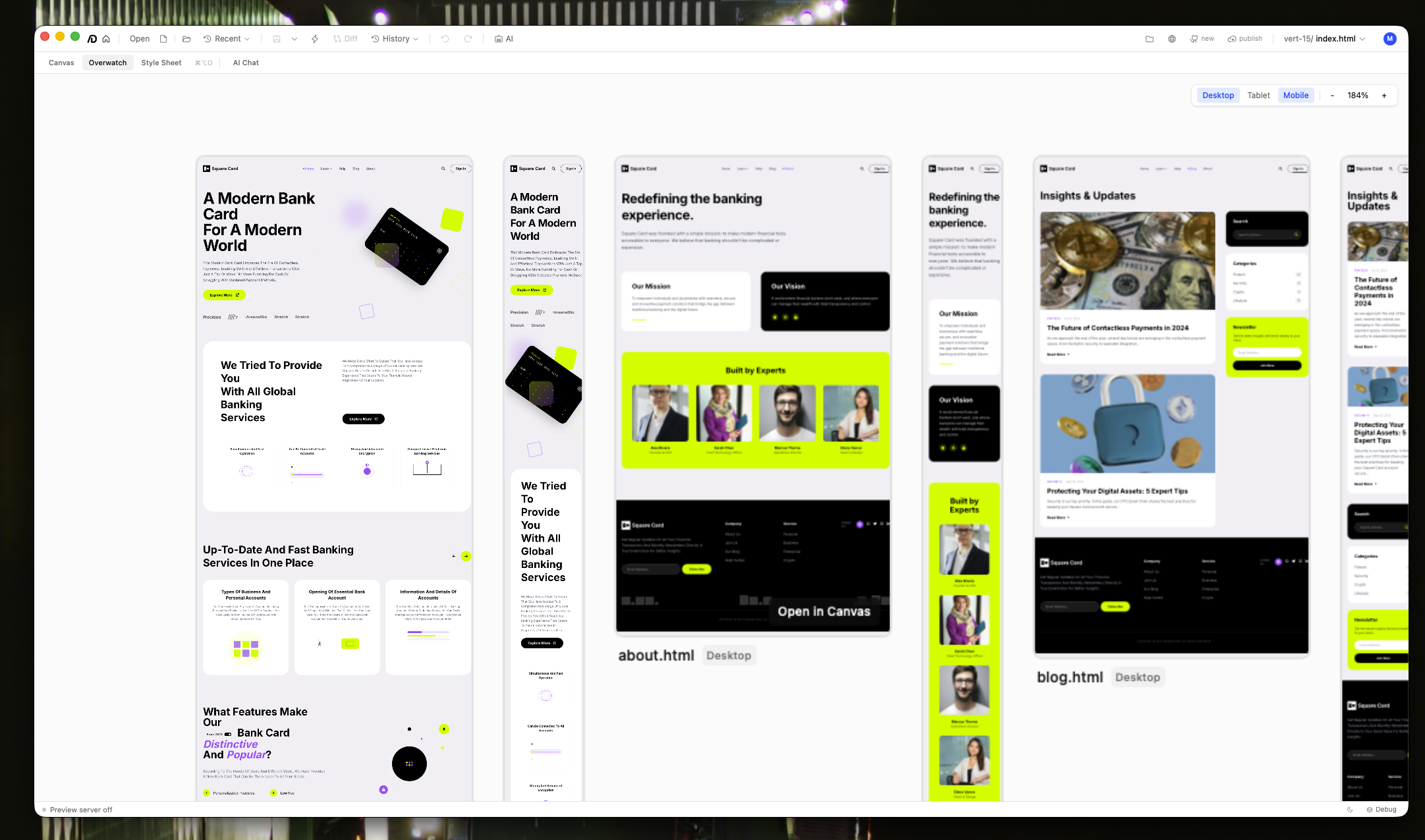
macOS
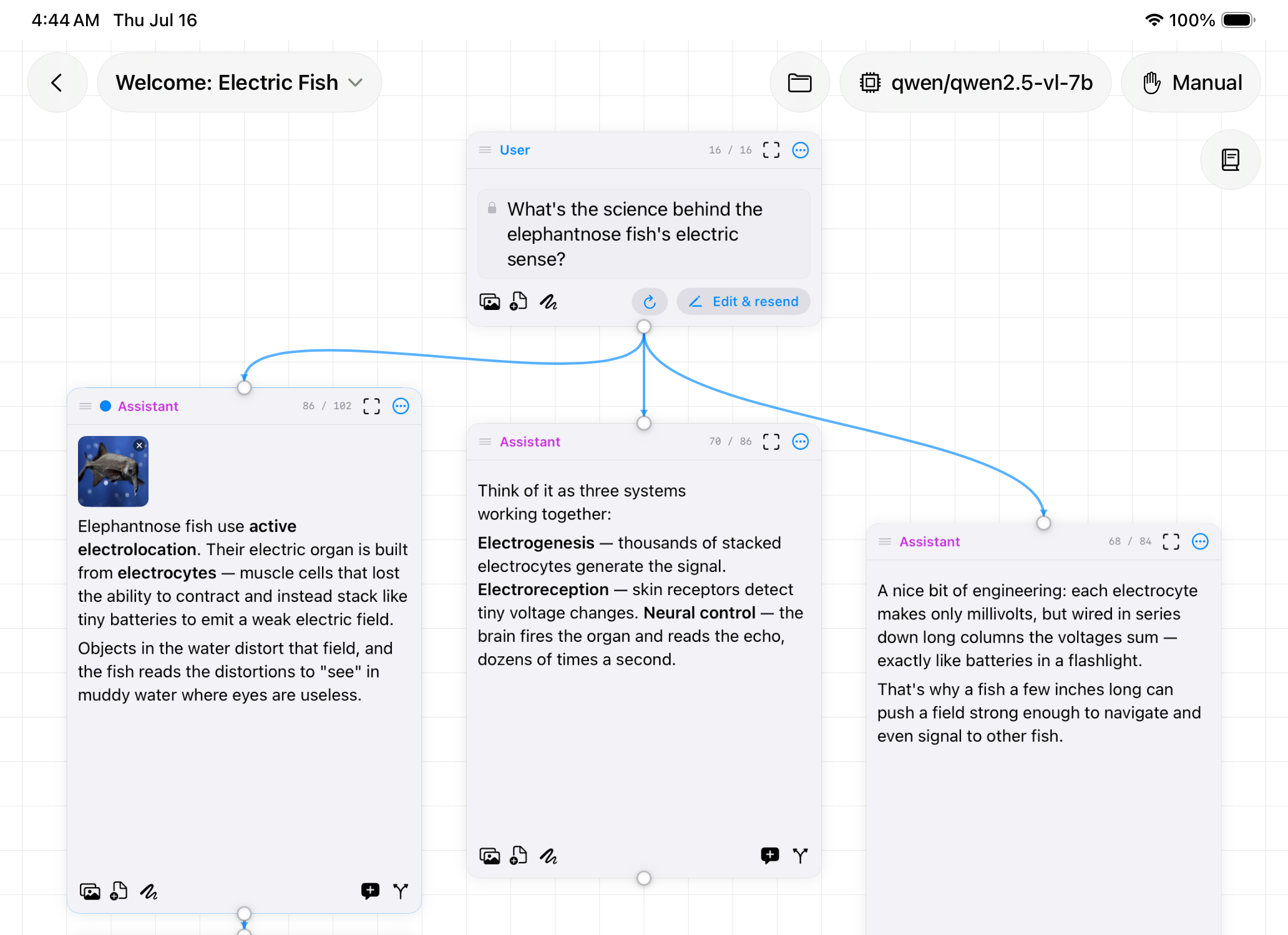
Nodebook
AI chat on an infinite canvas. Branch a conversation instead of losing it.

iOS
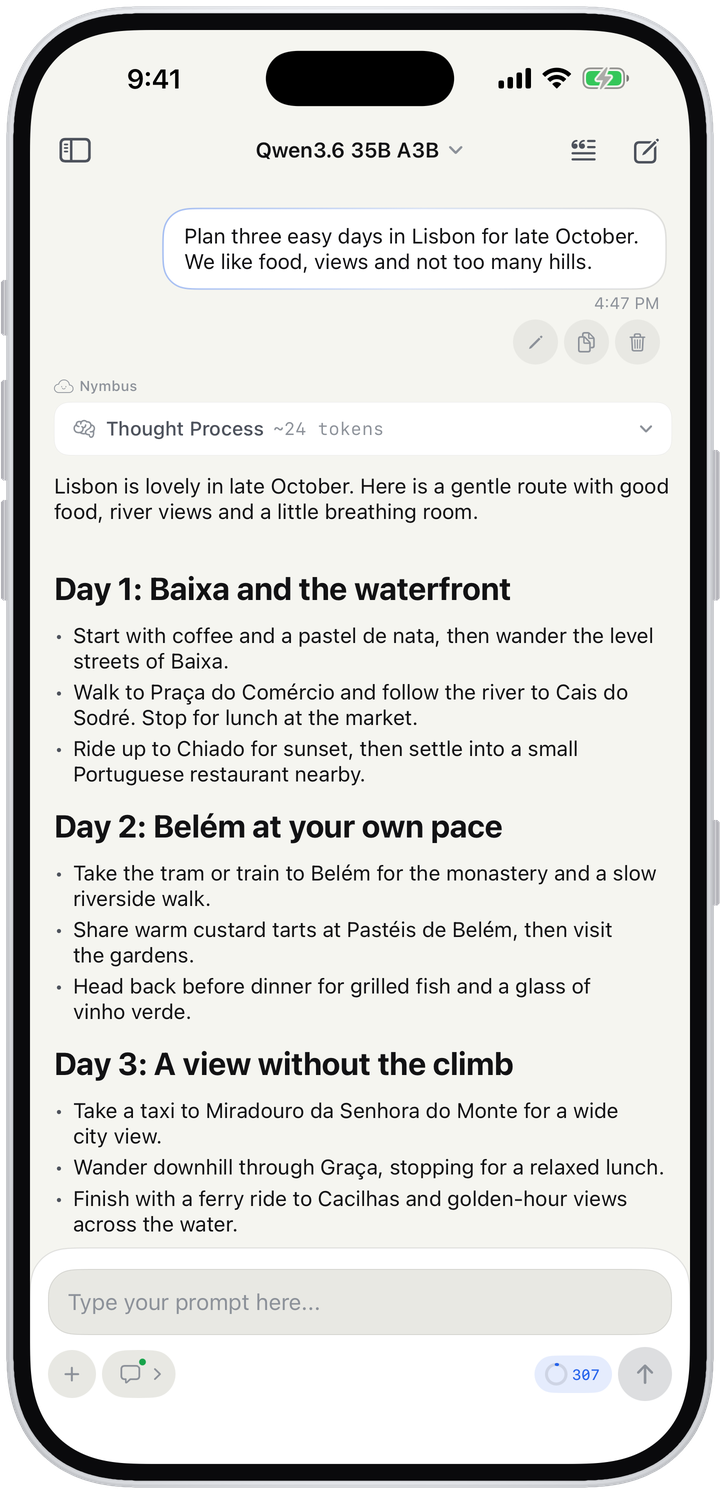
Your models, from anywhere. Chat, agents and orchestration for LM Studio and the cloud.
Requirements
What it does
LM Studio on your own computer, or OpenRouter, Requesty and Cerebras with your own key.
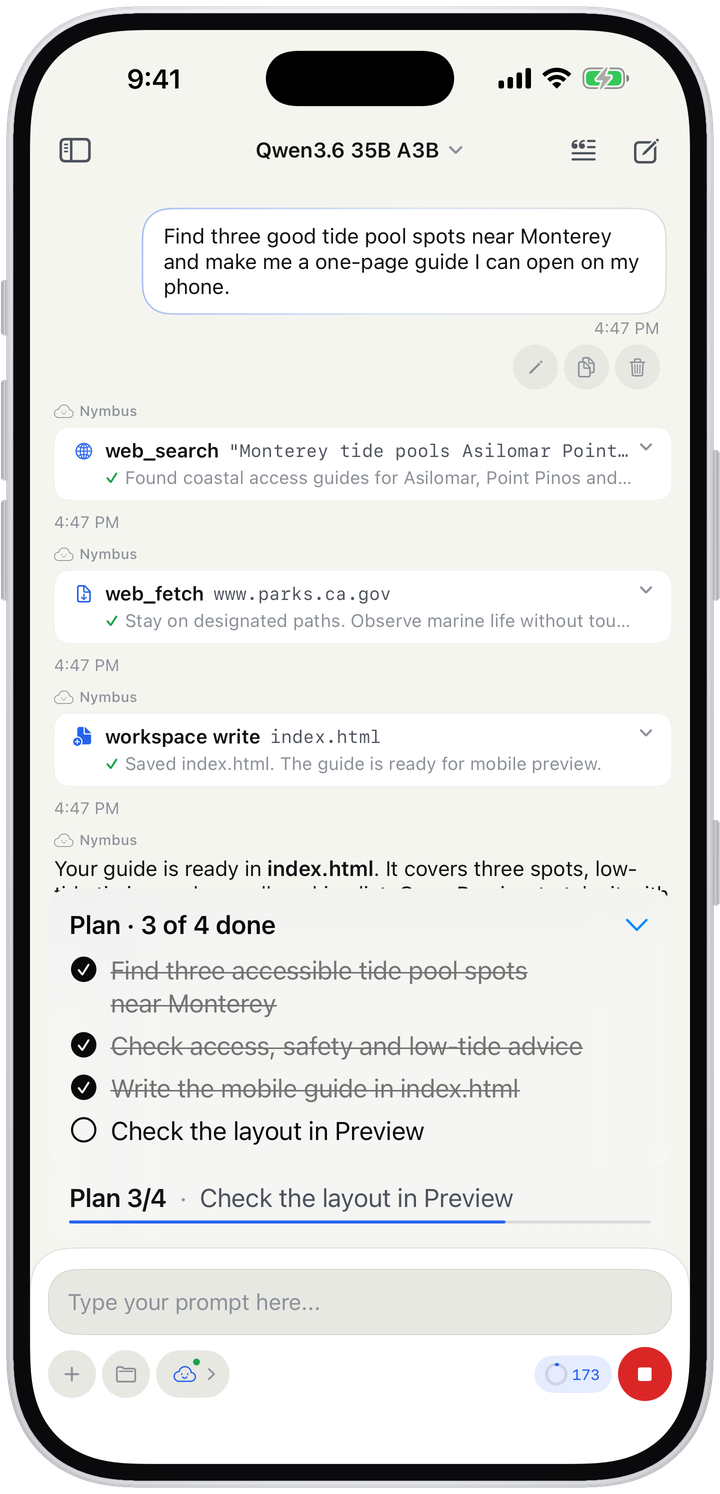
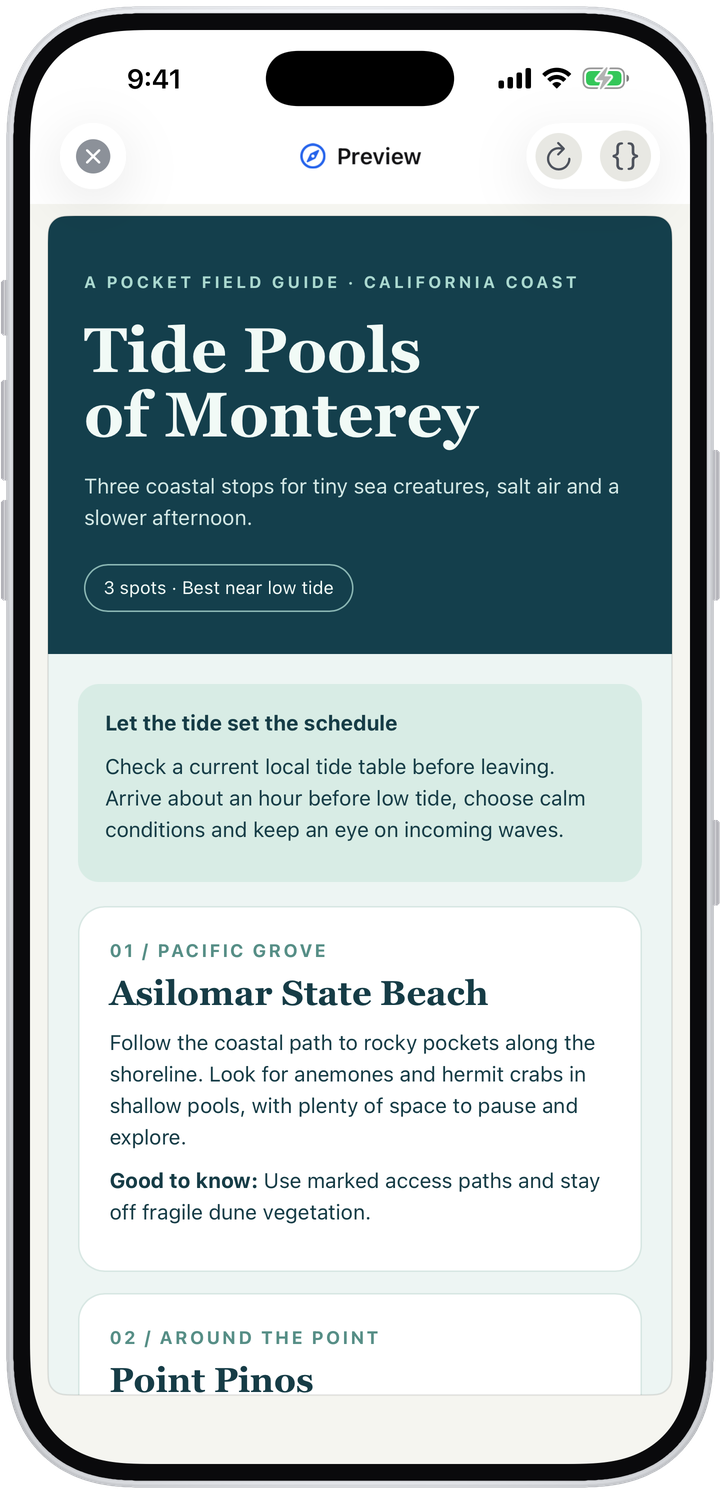
Web search, page reading, a plan it checks off, and a workspace of files with live preview.
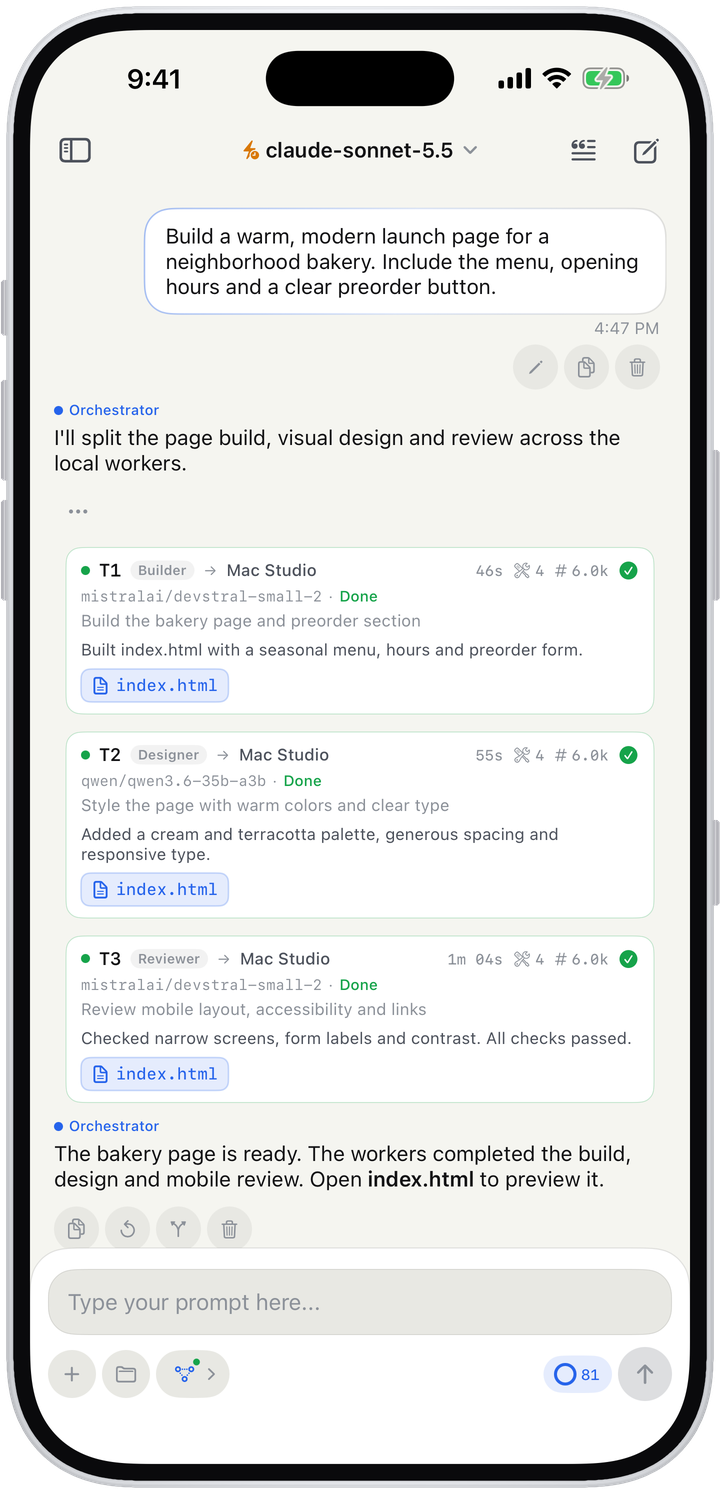
A coordinator splits a job into tasks and hands them to worker models.
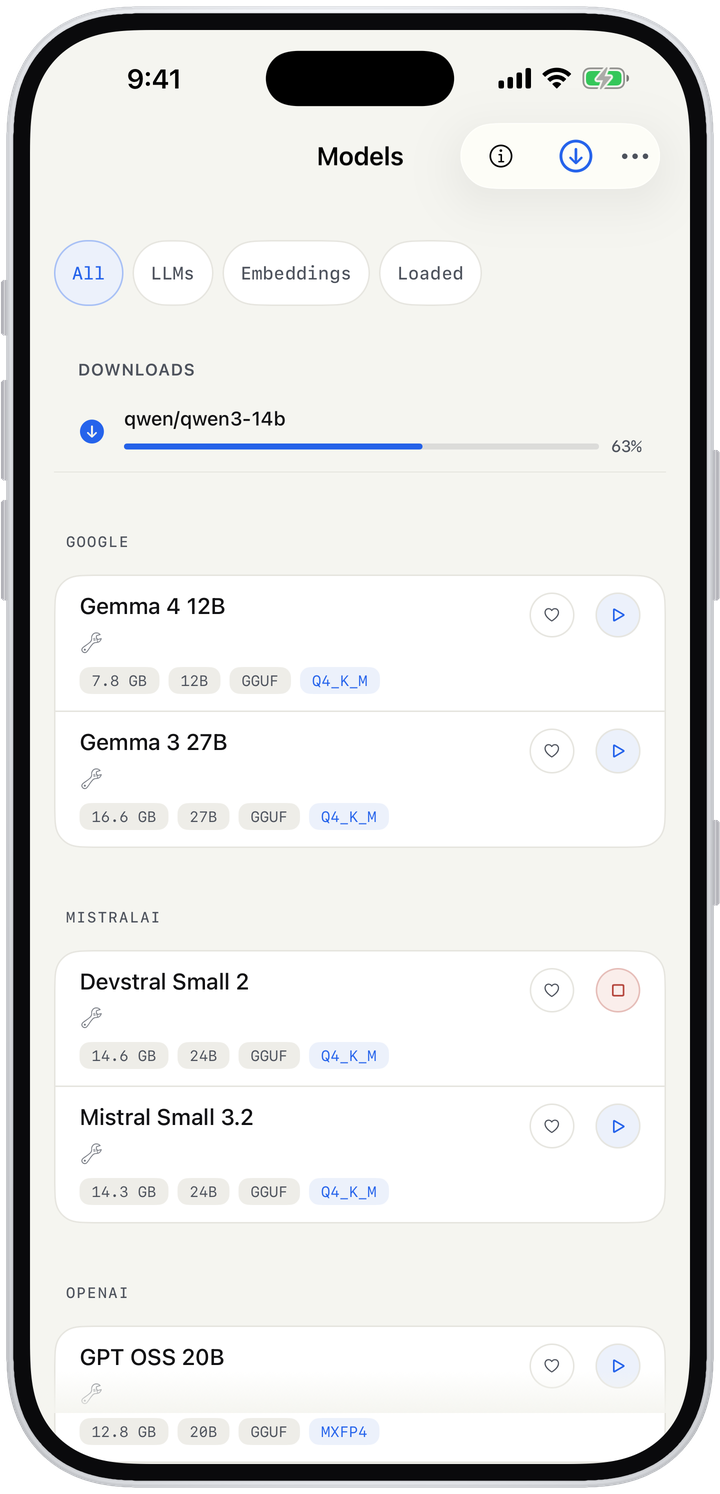
Download, load and unload LM Studio models from your phone.
Skills, rules and memories carry how you work from one chat to the next.
No accounts, no analytics, no tracking. Your keys stay on your phone.
Overview
A 35B model will never run on an iPhone. But the Mac on your desk is already running one.
Nymbus is a client, not a host. Point it at LM Studio on your own computer and chat with the models you've downloaded, from the couch or across town over Tailscale. Want a bigger model for one job? Add an OpenRouter, Requesty or Cerebras key and switch between local and cloud whenever you like.
No accounts, no analytics, no tracking. Nymbus only talks to the servers and providers you set up.
Status
Nymbus is getting ready for its first App Store release, iPhone only. You'll need LM Studio on a Mac or PC, or an API key from a supported cloud provider. The case study covers how it's built.